Turn unstructured knowledge into verified business context
Capture, curate, validate, and deliver enterprise knowledge your teams can actually trust.
Stack Internal is the trusted knowledge layer for people, teams, and agents
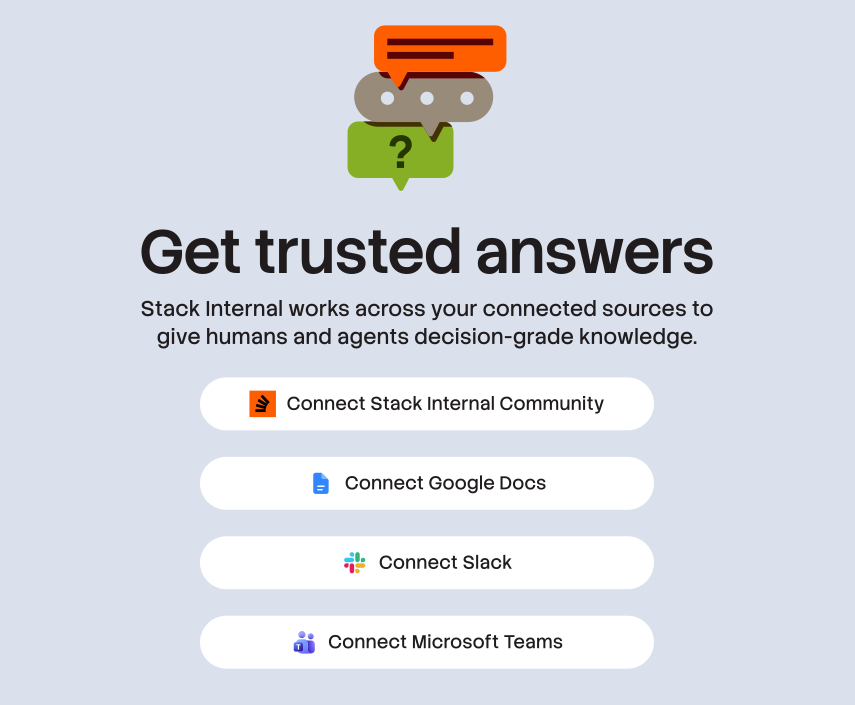
Capture & transform knowledge
Automatically ingest and transform static, unstructured knowledge that's scattered across your tech stack into a living, verified knowledge store.
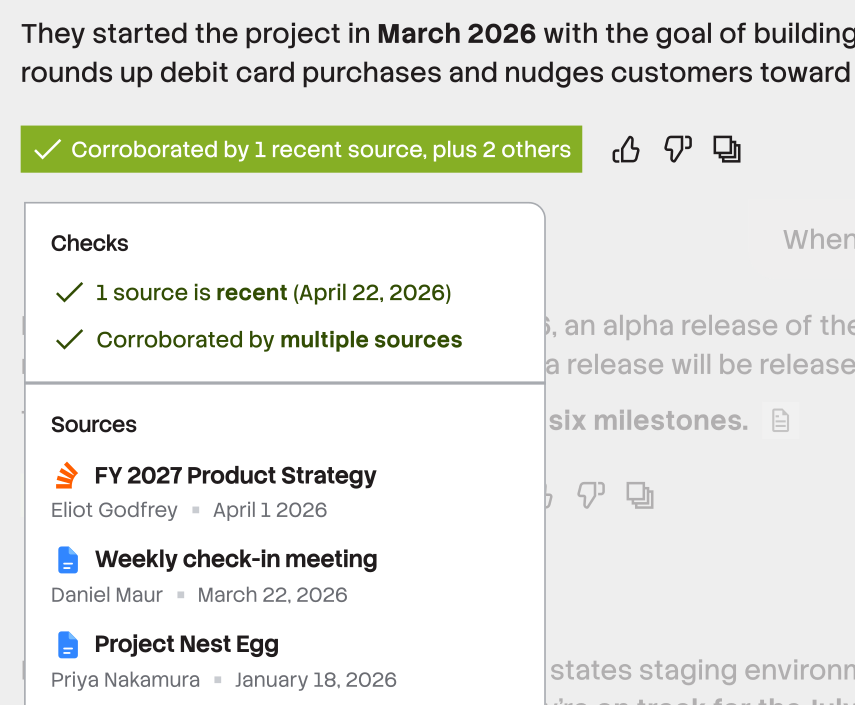
Validate & apply confidence signals
Our trust system keeps your content healthy, up-to-date, and accurate, delivering knowledge you can actually rely on.
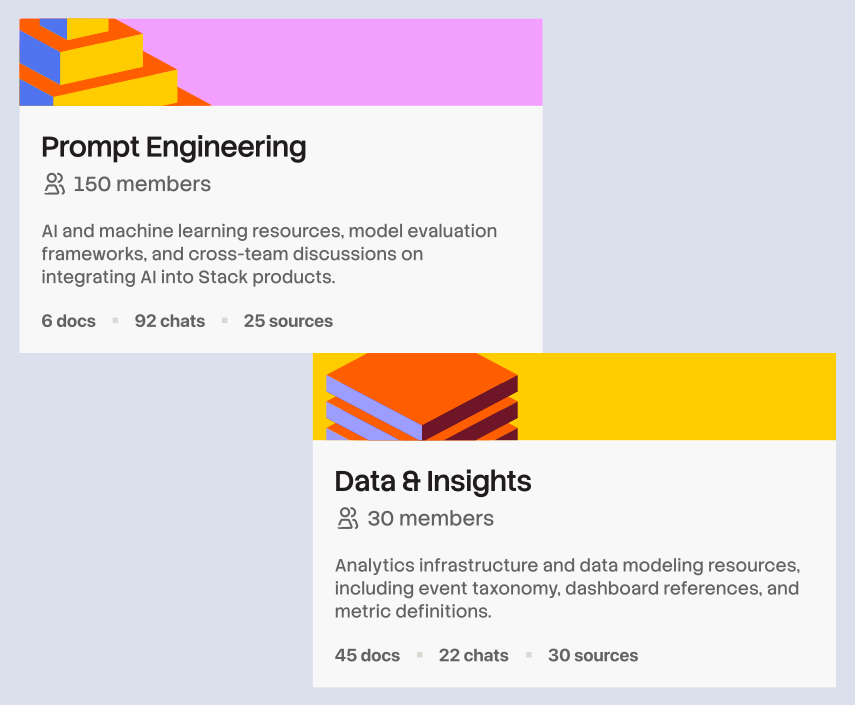
Scope & organize your knowledge
Focused, role-based scopes ensure the right knowledge is used by the right people, team, or AI agent.
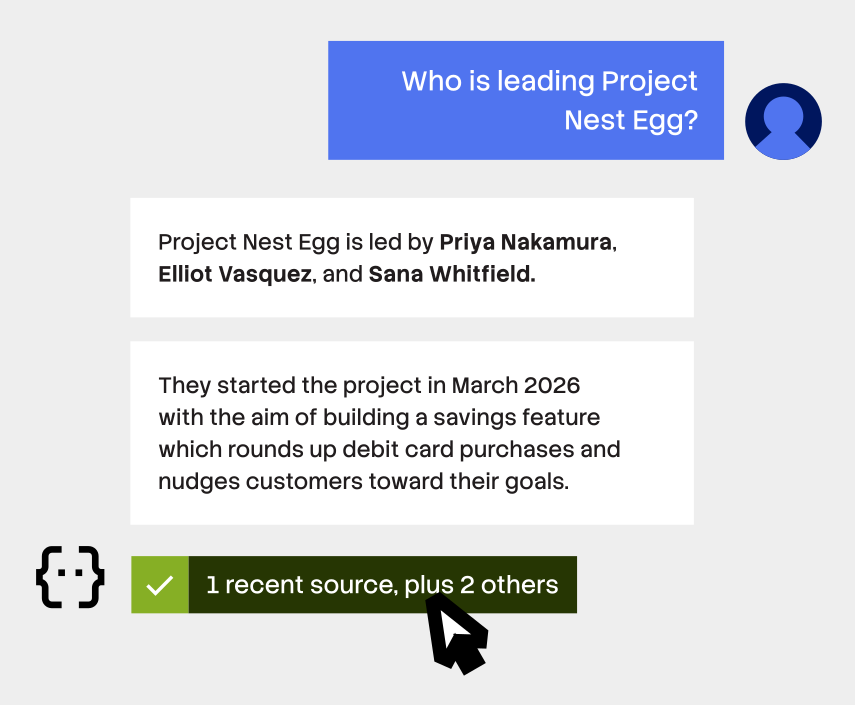
Interact through chat
A familiar chat interface lets you quickly ask questions, get help from peers, or find information.
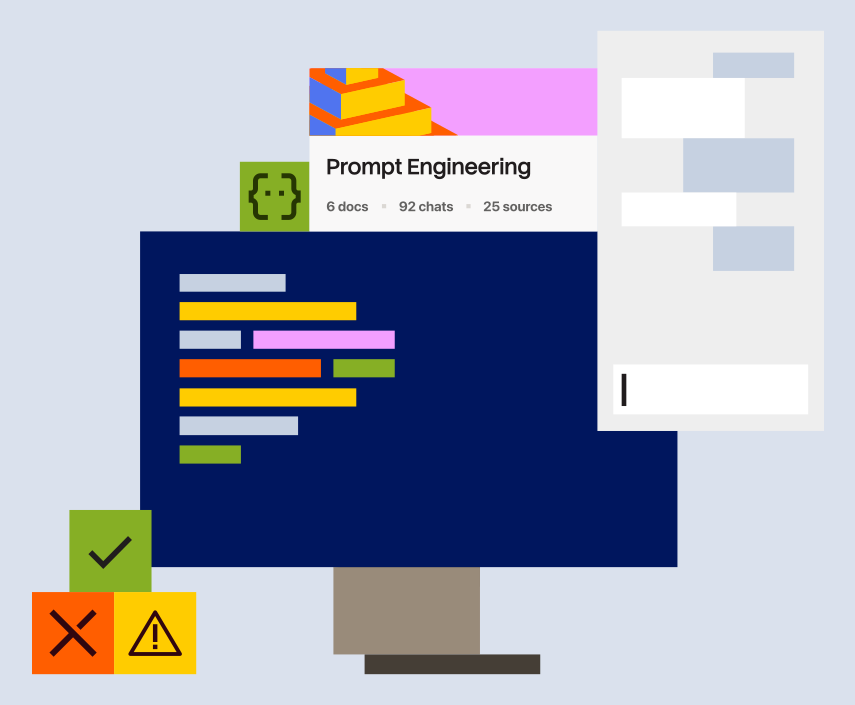
Bring context to your IDE
Upgrade your IDE and stay in the flow by adding verified, scoped knowledge to the tools you use everyday.
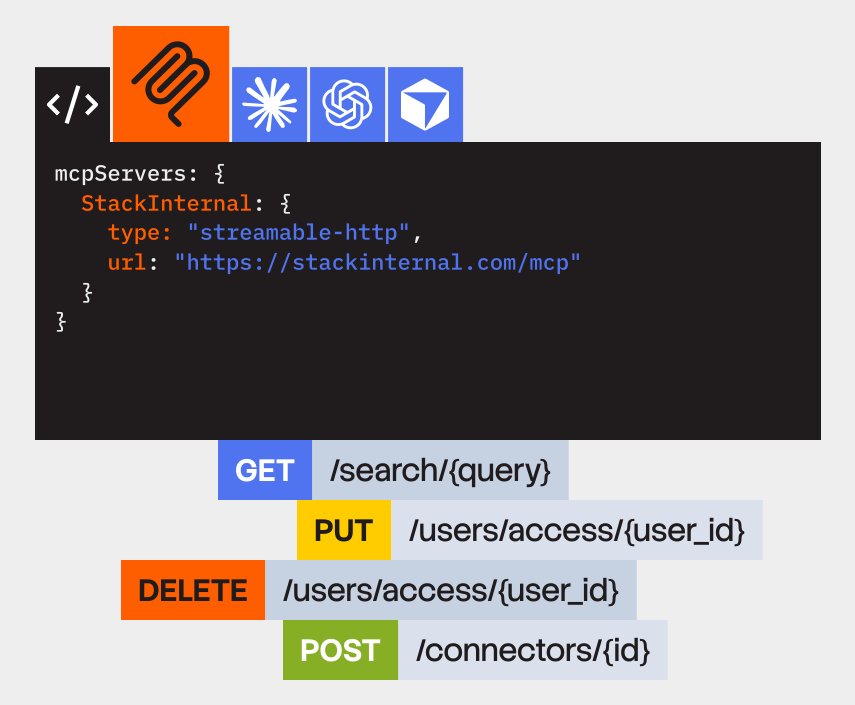
Gain flexible access, wherever you need it
From pull requests, to code editors, command line interfaces and more, our API, MCP server, plugins ensure context is delivered securely, wherever it’s needed.
Keep your knowledge protected
Get enterprise-grade governance and control with an auditable, secure perimeter for your proprietary knowledge. Humans and agents only access what they need.
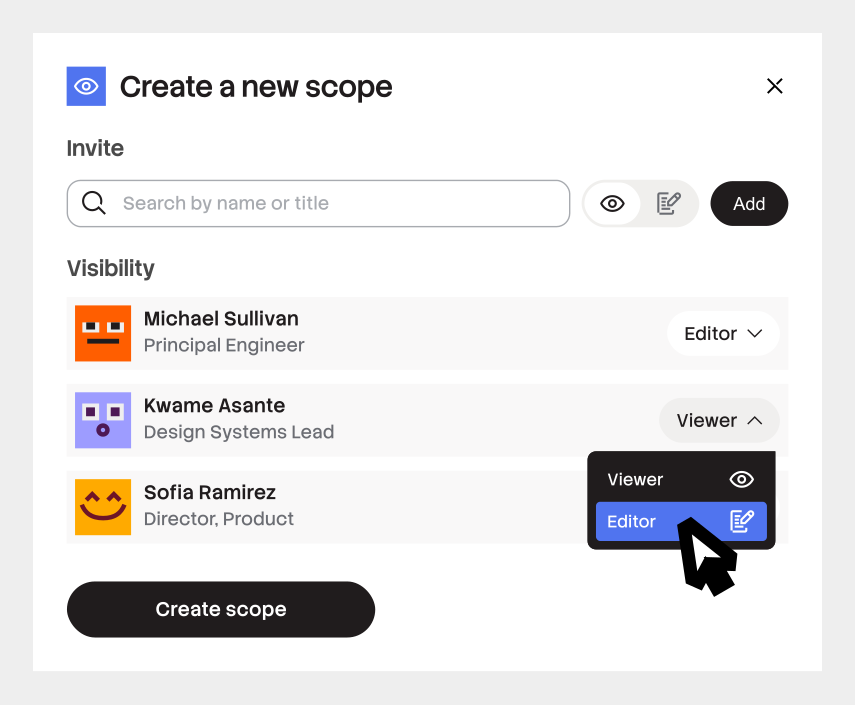
Create custom roles & permissions
Enforces identify-aware data boundaries to reduce risk. Easily manage users, change roles, and app authentications.
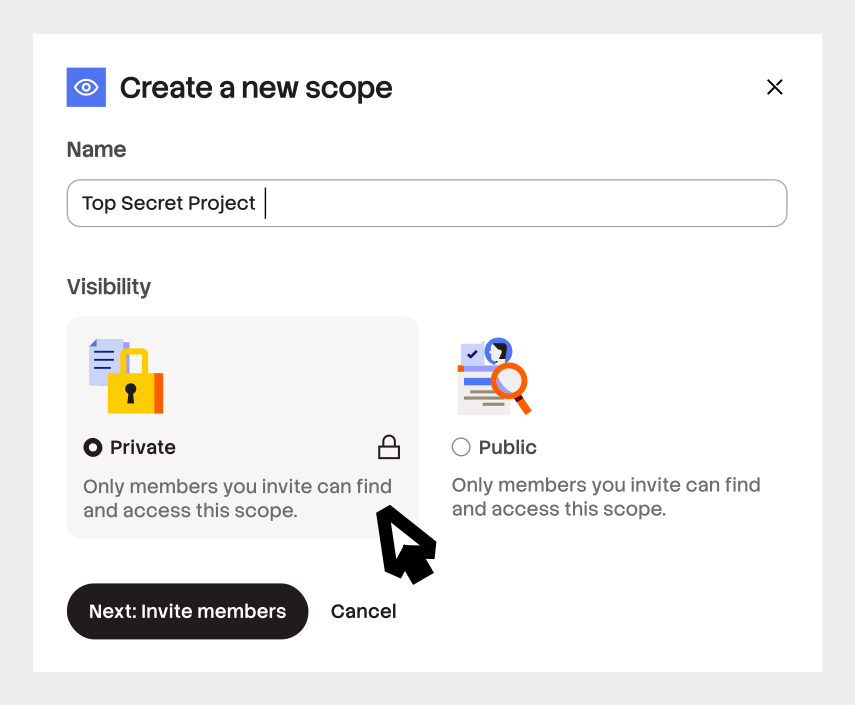
Maintain existing source permissions
Information only gets pulled from the sessions, folders, and channels you want and accessed by the right people or agents, so no proprietary or sensitive data is exposed.
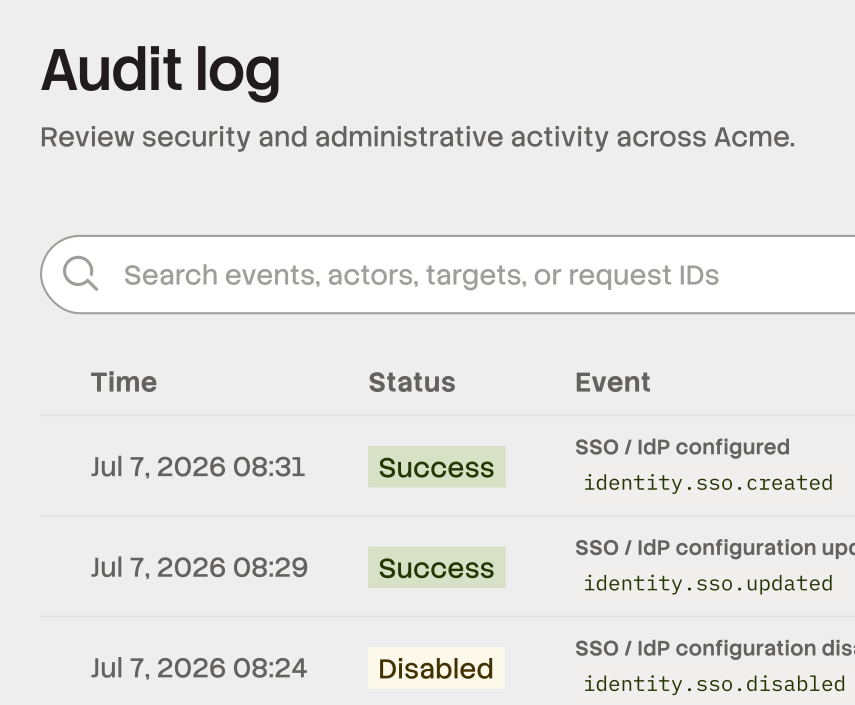
Get full audit trails
Get full activity tracking so you know what happened, when. Export events and activities easily for audit trails.
Start building knowledge with Stack Internal today.
Frequently Asked Questions
More details about specific Stack Internal features.
The platform acts as a curation engine, automatically ingesting and storing knowledge with trust built in. The trust engine is constantly evaluating if that knowledge is reliable, current, authoritative, and safe to use. With automatic SME validation only when there’s critical gaps.
The MCP server connects AI assistants and coding agents, like Claude and Cursor, to your trusted Stack Internal knowledge and can read from Stack Internal without breaking focus.
Stack Internal brings in knowledge from wherever your team already works. We have out-of-the-box connectors for Stack Internal Community, Google Docs, Slack and Microsoft Teams, as well as an ingestion API that can ingest critical context from any tool.
Stack Internal works wherever your team does. With connectors, custom integrations, and AI tool & agent support, we’ve got you covered. See Integrations for more.
SME auto-detection stays accurate as your organization interacts with the platform over time and surfaces the right expert to the right topic. You also have the power to manually manage experts. The platform does the heavy-lifting for you, but it’s nice to have the option to adjust when you need to.